Nigeria
 United Arab Emirates

How To Obtain Fedex Api Key
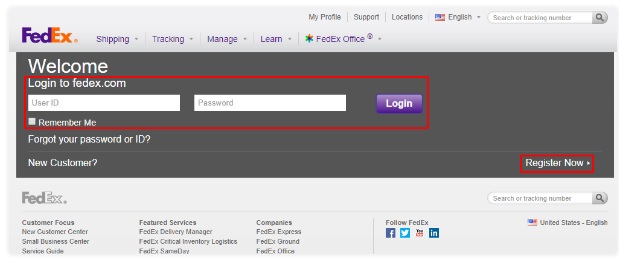
First visit the following link and login to your account. If don’t have an account, then please a new account.
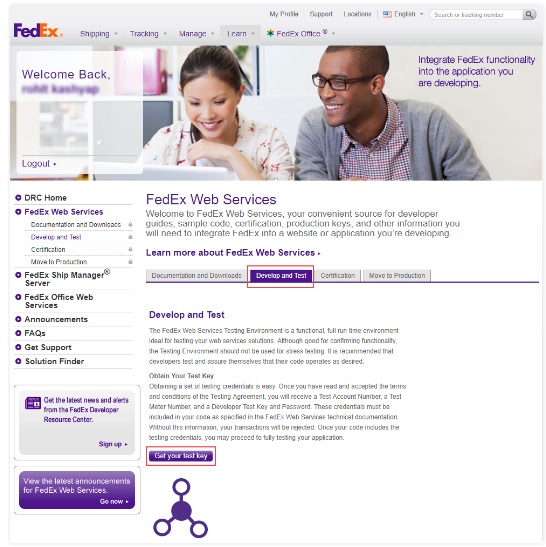
2. After logging to your account, go to FedEx Web Services link and then, navigate to Develop and Test>Get your test key.
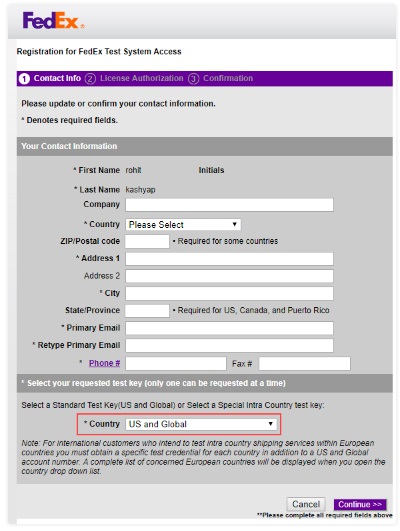
3. Then, you need to fill the form and provide the information.
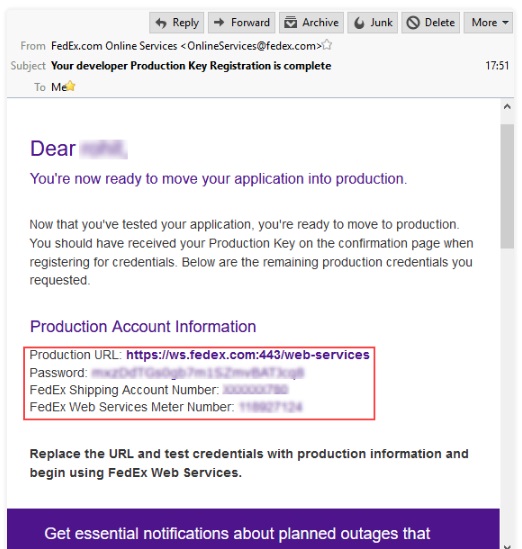
4. Read and then accept the FedEx test system license authorization and agreement. You will find your Authentication Key with Meter Number. Also, you need to check the registered email, where you will find your remaining credentials – Password and Account Number.
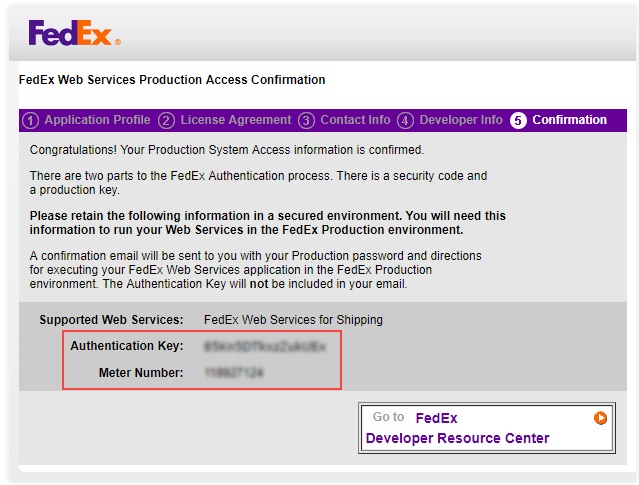
5. Once you have tested the application with the development keys. You need to go to FedEx Web Services Page and click Move to Production > Get Production key. Complete the forms, then accept the agreement to continue. You will receive the production keys in your registered email.