Nigeria
 United Arab Emirates

Configure Product Discount on Hoodmat
|
Configure Product Discount On Hoodmat
Login into an existing seller account through hoodmat menu bar by tapping icon
 Keep in mind that when logging into an existing account,you must use the username and password for the account. 1. Click on My store tab and click on manage product from the drop-down.
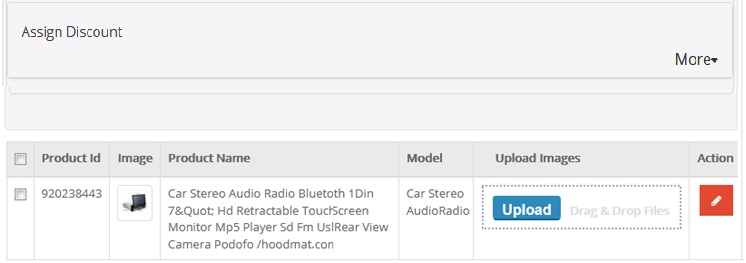
2. The list will show all the products that you have on your website. After locating the desired product, click on the Edit link
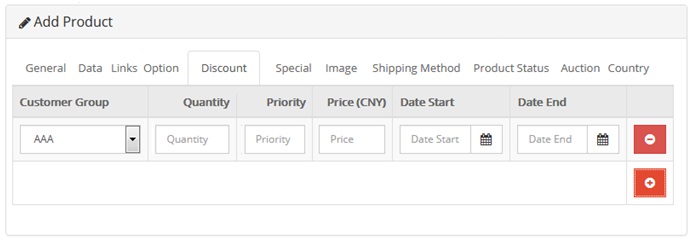
 right next to the product. right next to the product.3. From the product edit page, click on the Discount tab.
 4. When the Discount page in hoodmat opens up, click on the Add Discount button. The discount tab will need the following information:-
a. Customer Group: A group of customers will need to be mentioned who are apt for the criteria of the discount to be allowed in hoodmat.
b. Quantity: The minimum number of items which a customer should buy to be able to avail the discount on it should also be mentioned.
c. Price: The discounted price (price after applying the discount) should also be filled up by you.
d. Date Start – Date End: A period of time for which the discount will run for the customers can also be filled. Just in case both the fields are left blank, the discount will start immediately and run continuously.
5. Click save button to continue
|